How we make your QR code menuWe build it. You approve it.
You check the result on your own phone before anything goes live.
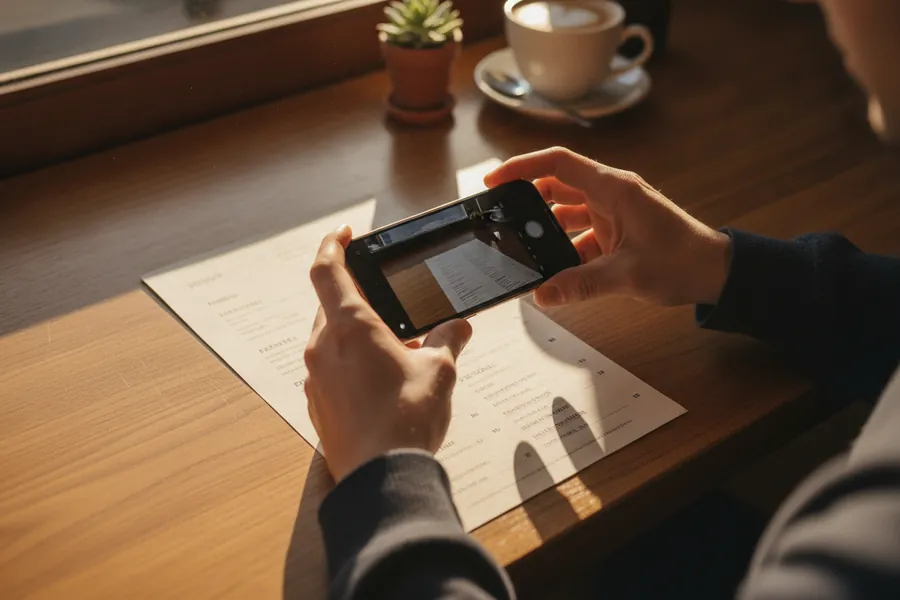 1
Send us what you have
A paper menu, a PDF, a link or photos.
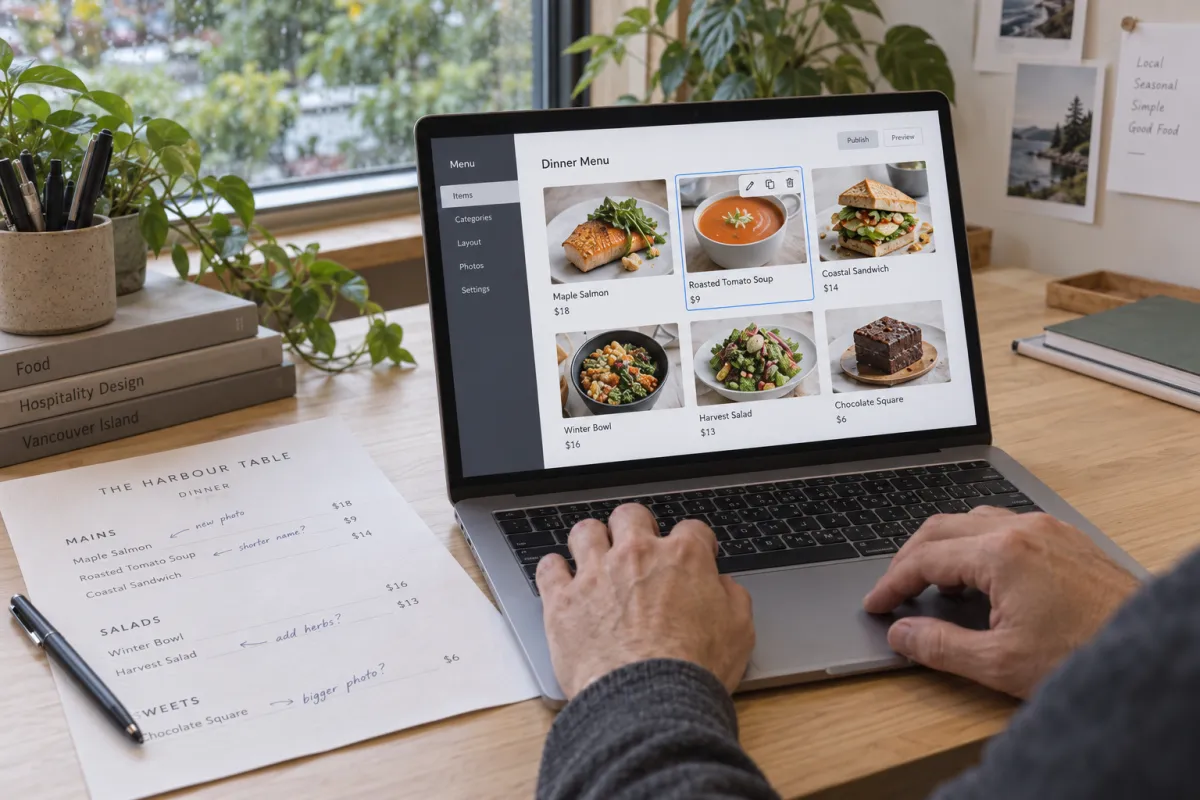 2
We build your digital menu
Dishes, clear descriptions and translations into the languages you choose. Photos too: yours, or images we make for you to approve.
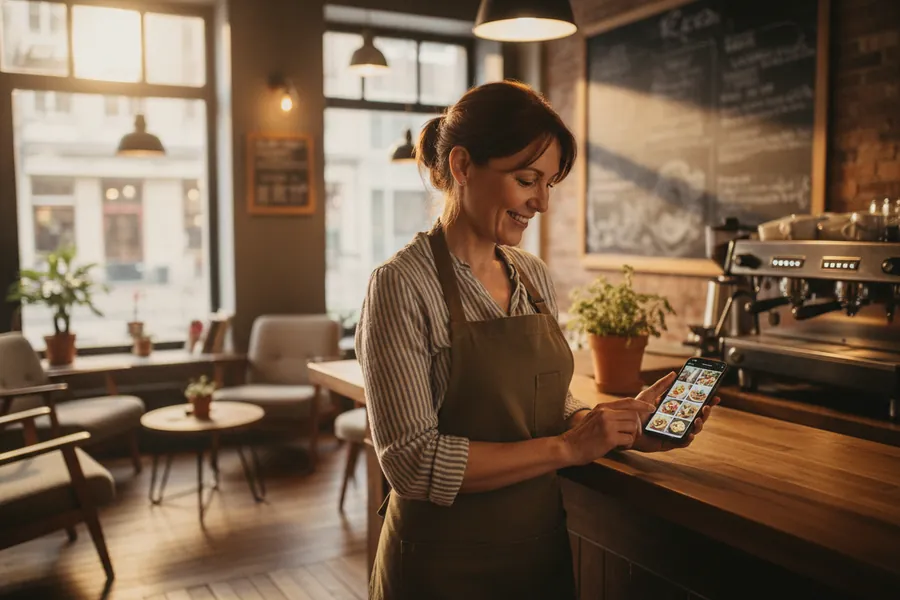 3
You review it
Check it on your phone and tell us what to change. Nothing goes live until you approve it.
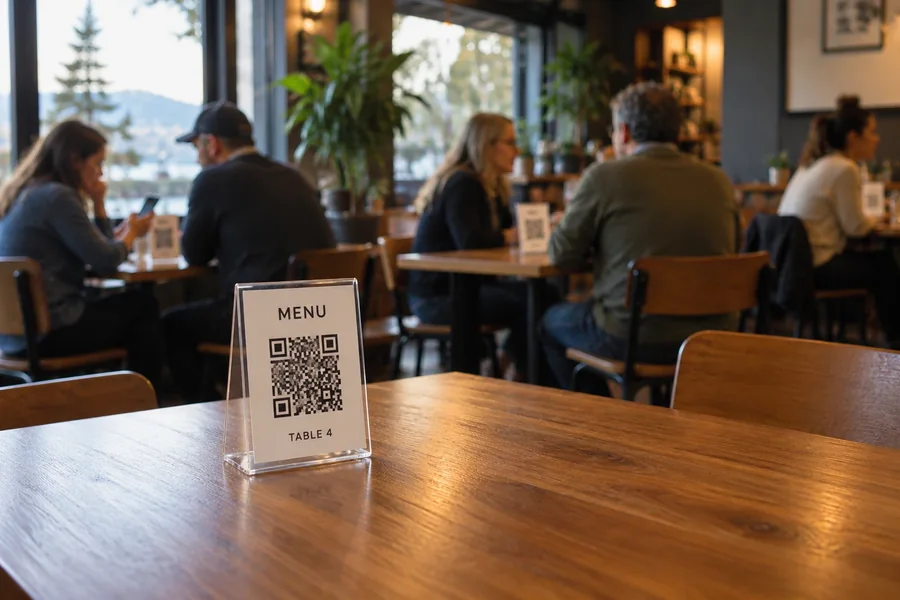 4
We make your QR codes
For your tables, the window or takeout cards, ready to print.
YouSalmon is sold out tonight. The burger is now $24.
ArturDone. Updated in every language.
5We keep it current
Send us a new price or a sold-out dish and we update every language. The codes never change.
Want more? Optional
Analytics and menu tests
See what guests open and test changes that may raise your average order.
A new website
Need a site for your place too? We can build it. Quoted separately.
Good to know.
What do you need from me?
Your current menu in any form: paper, PDF, a link or phone photos. Then your OK on the finished version.
Do I need new dish photos?
No. We can use the photos you have, or make new ones for you to approve.
Do guests need to download an app?
No. The menu opens in the phone’s browser after scanning the code.